
START HERE
Keep the creative direction connected from the first decision.
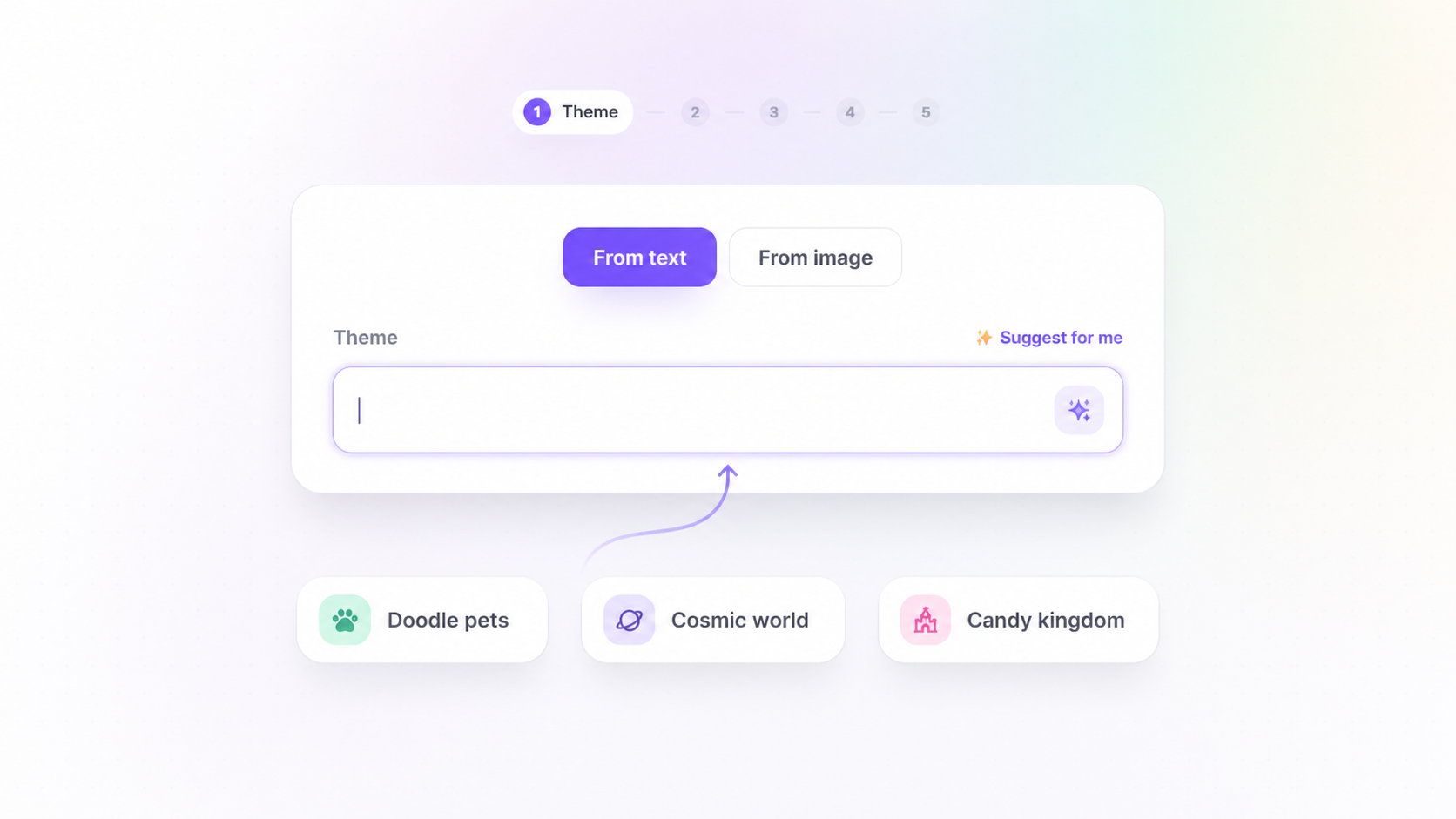
Bring a visual reference when you already know the mood, character idea or creative world you want. NFTWizard turns that direction into base proposals, then into consistent collection variations.
Why this mattersThe fastest workflow is not about skipping decisions. It is about making the important choices once, then keeping them visible through the rest of the collection process.
01 · UPLOAD
Add the visual direction
Use a reference image to communicate the character concept or creative mood you want to explore.
02 · SHAPE
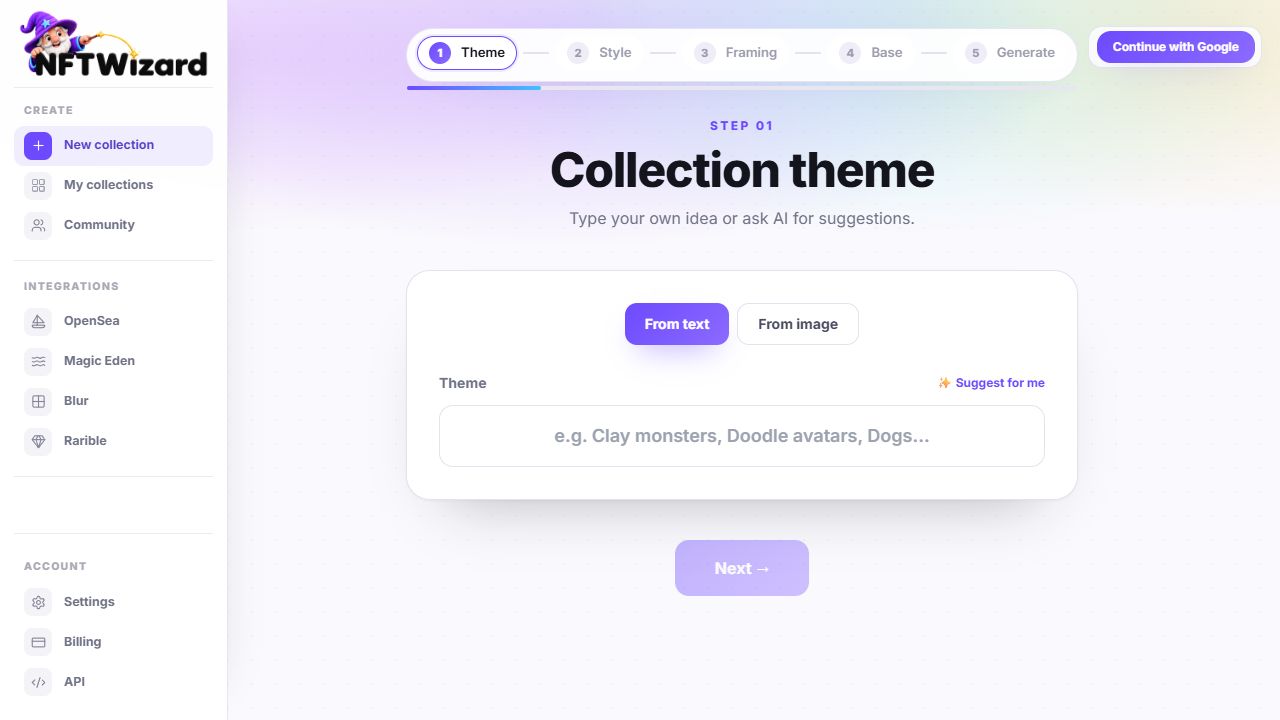
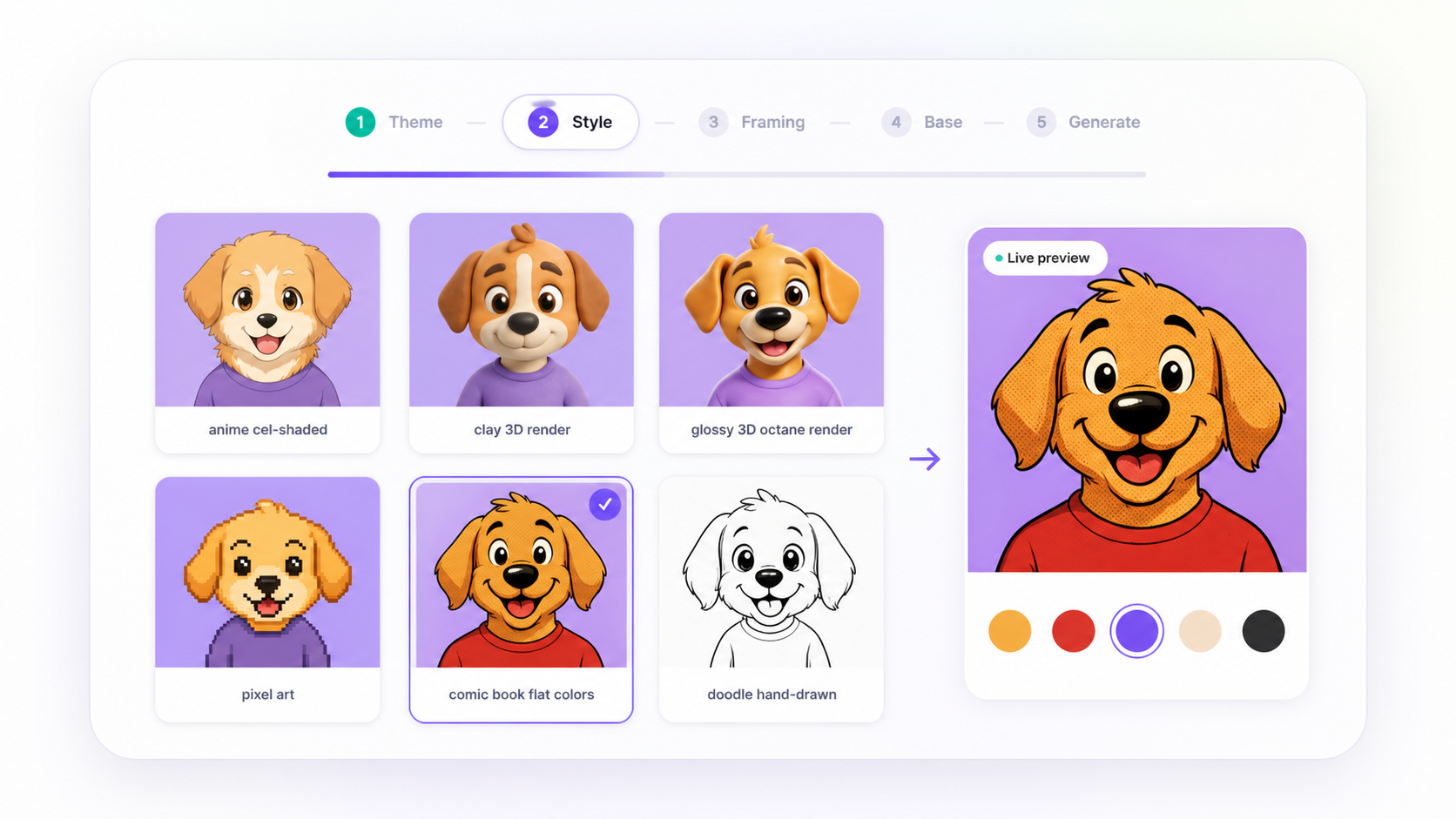
Choose the visual rules
Select the style, framing and viewing angle that should guide the collection before base proposals are created.
03 · BUILD
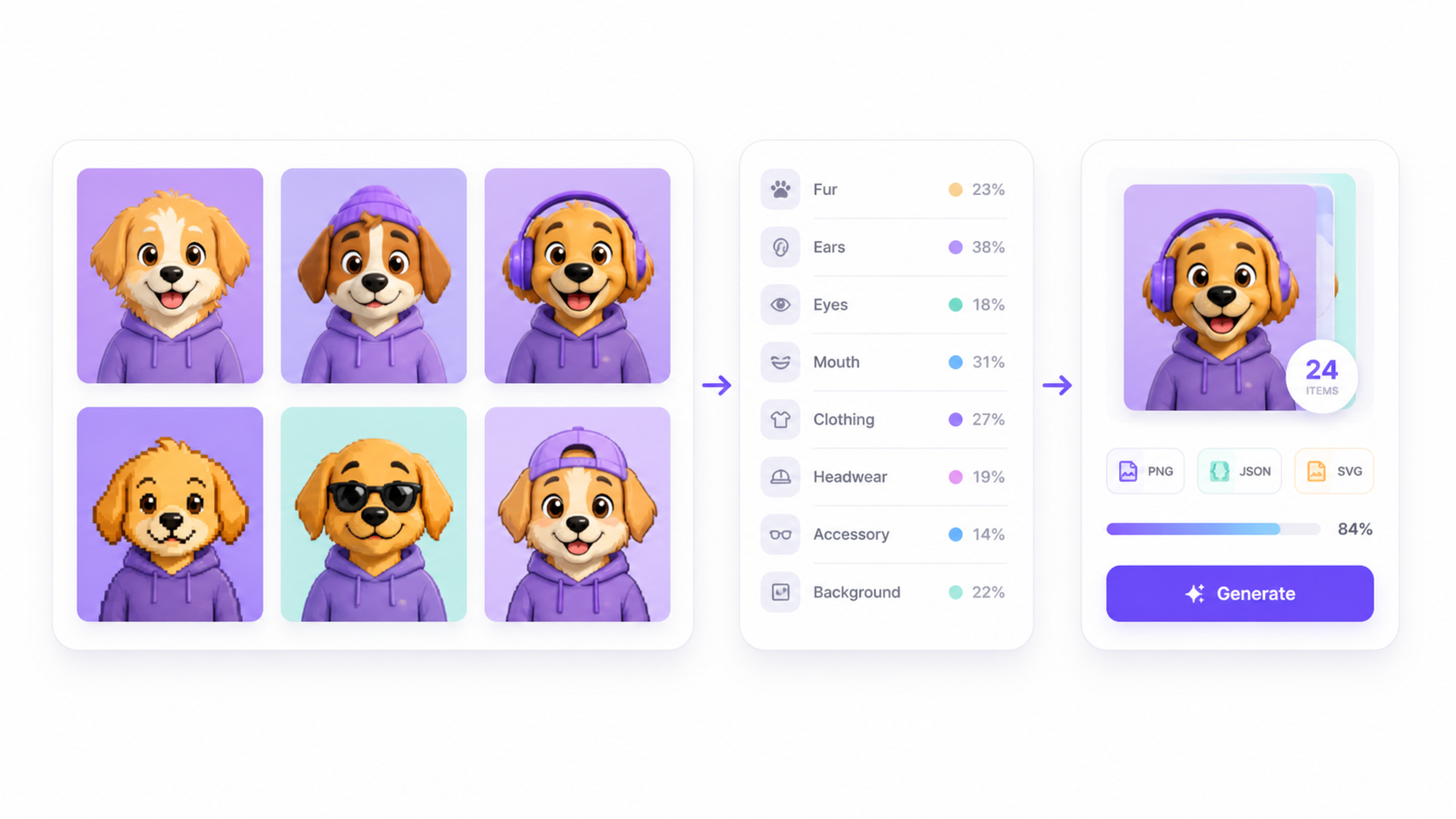
Approve, then scale
Choose the base character that best fits the direction and generate a collection from that approved visual anchor.
PRACTICAL CHECK
Before you move forward, check what will stay consistent.
These are the collection details worth checking before you generate or export the final set.
A reference gives the creative process a starting point; the collection is still developed through your chosen workflow.
You see base-character proposals before spending credits on the full collection.
The approved base becomes the anchor for the collection's artwork, traits and metadata.
FAQ
Questions creators ask before they generate.
Can I create an NFT collection from an image?
Yes. NFTWizard lets you start from an image reference, refine its direction, approve a base character and generate a collection from that visual anchor.
What kind of image should I use?
Use an image that clearly communicates the character, style or mood you want. A clean, readable reference usually gives the best starting direction.
Will NFTWizard copy the reference image exactly?
The image is used as creative direction. You still choose the style, composition and base proposal before any collection generation begins.
Can I change the direction after uploading an image?
Yes. You can refine the selected style, composition and other creative choices before you generate the base proposals.